
How to Create Great Facebook Cover Photos
If you’re like most Facebook users, your cover photo is one of the first things people see when they visit your profile or fan page. You want to make sure that you’re conveying a message and using an image that matches what you do for work or what your personal brand stands for. This post will give you some tips on how to create a great facebook cover photos for Facebook so that your audience can really get to know who you are!
What should my Facebook cover photo be?
The first part of planning your Facebook cover photo is deciding what you’d like it to portray. If you’re a business, it might be helpful to use your logo. If you have a personal brand and/or something that stands for you as an individual or company, then try using the symbol of what is important about who you are. But either way it should be clear what your Facebook Page is about.
Keep in mind when choosing images:
- Use an image thats good quality, and that is appropriate for the age group you’re targeting.
- Size matters! Keep the image in proportion to your cover photo size requirements (Facebook will let you know what those are).
- Upload the photo to Facebook in JPEG, PNG or GIF format
- Choose a colour palette that matches both your branding colours and Facebook’s logo background if necessary.
- Find images or create graphics with text on them using a tool like Canva.com
- Use text in the photo to make it clear what you are.
- Have a few different photos on your page for variety! It’s a good idea to change your cover photo regularly but they should all be on brand.
How to create your cover photo?
Consider using a tool like Canva to create your design, you’ll also want to make sure your dimensions are correct. Facebook cover photos:
- Appear on page at 820 x 312 pixels. Anything less will be stretched so you might want to use these facebook cover photo dimensions.
- Minimum size of 400 x 150 pixels.
- Displays at 820 x 312 pixels on desktop and 640 x 360 pixels on smartphones.
- For best results, upload an sRGB JPG file less than 100 KB.
- Images with a logo or text may be best as a PNG file.
- Business Page dimensions are exactly the same as personal accounts.
(Keep up to date @SproutSocial)
Now you’ll need to decide what your cover photo will be.
Creative Facebook cover photo ideas
If you are looking for some creative Facebook cover photos ideas , here are some of the best ones we have found.
Highlighting an event
You can use the facebook cover to showcase a coming event , new products, or even a photo of your team.

Showcase your values
You can also use the Facebook cover photo to highlight what you care about or what makes your company unique.
Featuring a specific product
Another great way to get more views on a special product or even a collection is by using flat lay or leading line photos. It’s something I highly recommend!


CTA – Calls to action
The best way to get people to visit your page is by using a cover photo with a call to action. For example, if you run an online business, use the text “Visit our website for more information.” or to tell viewers what they should do next.

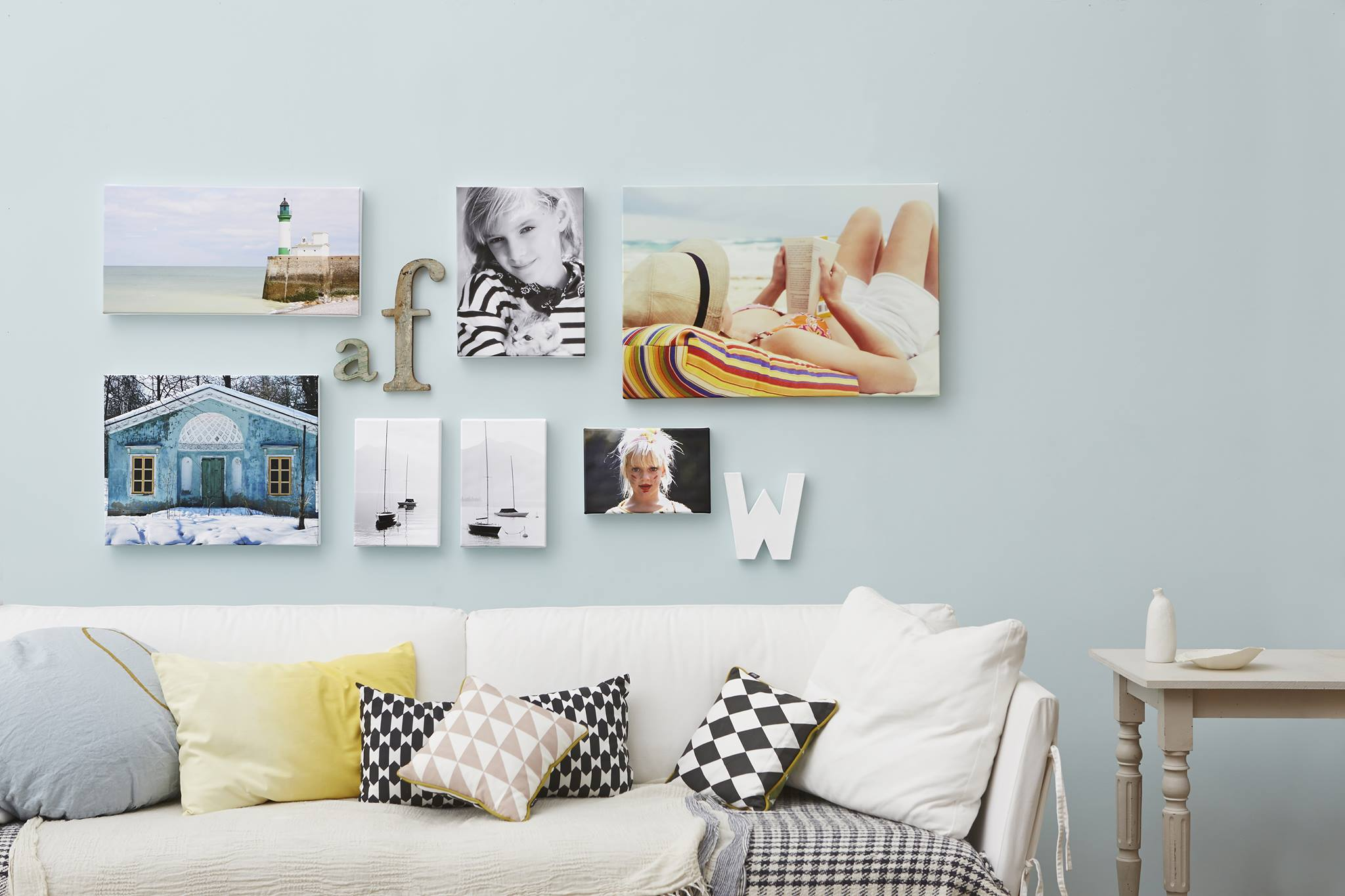
Lifestyle Product Photos
One of the photos that I love is the lifestyle product photo. With this type of photography, it allows your potential customers to imagine themselves using your products in their everyday life, making it much easier for them to relate to and fall in love with your brand!
Why not try a cover slideshow.


Social Proof – Awards
Images with award logos are more credible to viewers because they know that the image has been vetted by a third-party.
Video – https://wave.video/blog/facebook-cover-videos-10-brilliant-examples-for-inspiration/
Using videos to show off your products is one of the best ways to get customers interested. It’s also an easy way for you to demonstrate how your product works.
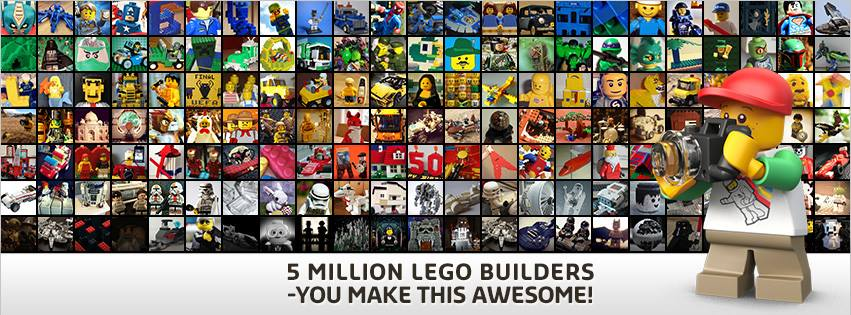
Crowdsourcing (UGC)
Another creative way to show user generated content is to create a collage of crowdsourced content using your tools/ services.

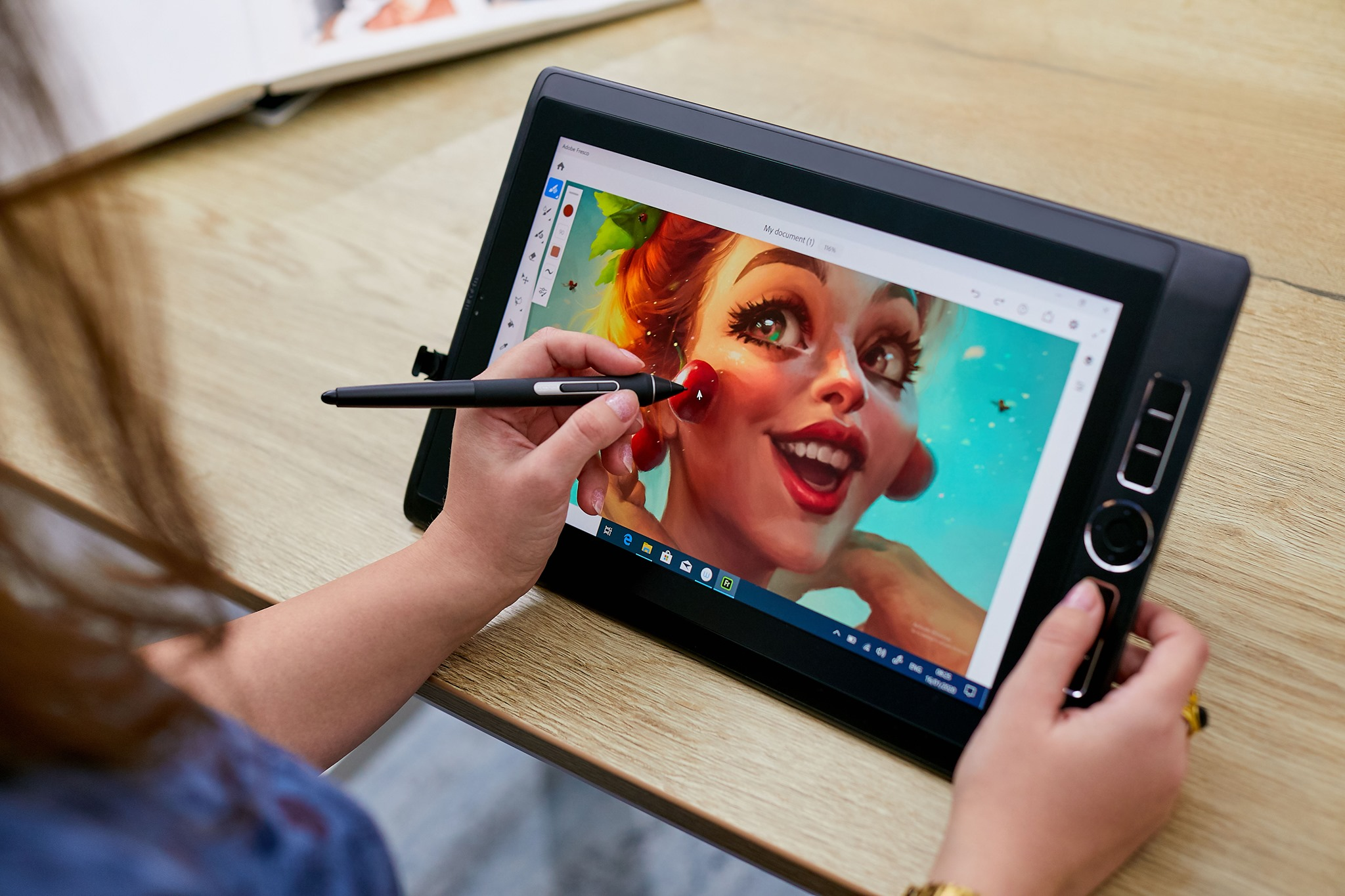
Portray product or service being used
Think about the bigger picture
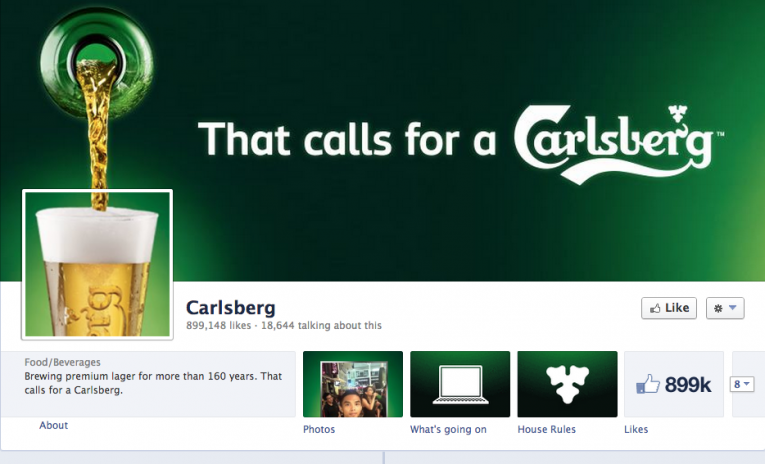
Using a photo in conjunction with the page design, especially your profile picture, allows you to capture your audiences attention and be more memorable. Who doesn’t love a clever design.

Learn how to create the perfect Facebook cover photo that will get you noticed! All with just these few simple steps. Grab this guide now and start building out your social media presence today! Now that you’ve created your Facebook cover photo you’ll want to upload it.
How to upload Facebook cover photos?
To update your Facebook Cover Photo:
- – Select “Edit” on the top right of any page.
- – Click on “Add a Cover Photo” on the left.
- – Upload your creative Facebook cover photo to this space and click “Save Changes” at the bottom of the page.
Now that you know all about Facebook cover photos and how to create them, it’s time to get creative! Use the tips we’ve given you to come up with a cover photo that represents your brand well and catches people’s attention. If you need help getting started, our team is more than happy to assist. Don’t forget to change your Facebook cover photo and profile picture regularly for variety, but make sure they are always on brand!


