
How to find images for blog posts (legally)?
Before you go running off, searching through millions of images trying to find ‘that’ll do’ images for blog posts .
You need to ask yourself these simple questions:
- Why are you adding a photo? (If you don’t know the importance of visual marketing, check out this post.)
- What are you trying to show from your image? (If you don’t know where to start; there are 5 main types of images to use)
- What do you want the viewer to feel? (This really helps with the planning out and choosing the best images)
- What else has the image been used for? (Using google image search helps understand peoples interpretation and perception of images.)

Where to Find Images for Blog Posts?
You realistically have 4 options when it comes to finding images for you blog posts.
But however you choose your images, make sure you’re thought it through. Every image should have a purpose and goal. I love planning exactly what images I need before I write a post. It allows me to know exactly what I’m aiming for. If you’re already feeling overwhelmed by this. I recommend my Photo Planning Workshop. It walks you through the 5 types of photos you need and how to achieve with only your smartphone.

Best Places to find royalty free blog photos
Not sure the best places to find free images for blogging. Here is my favourite sites to use and two helpful guides to ensure you not get sued for using them.Everything you need to know about stock photos licences and how to use them correctly.
33 Best sites for free images
- Unsplash – Photos for everyone

- Gratisography – Quirky, Creative, Always Free Photos.
- Pixabay – Stunning Free Image

- Kaboompics
- Pexels– Best free stock photos in one place.
- https://depositphotos.com/
- https://freeforcommercialuse.net/
- https://stocksnap.io/
- http://picography.co/
- https://burst.shopify.com/
- https://foodiesfeed.com/
- http://negativespace.co/
- http://freestocks.org/
- http://skitterphoto.com/
- http://www.lifeofpix.com/
- http://picjumbo.com/
- https://shotstash.com/
- http://negativespace.co/
- http://stokpic.com/
- https://www.reshot.com/
- http://startupstockphotos.com/
- https://freerangestock.com/
- http://libreshot.com/
- http://fancycrave.com/
- http://www.splitshire.com/
- http://jaymantri.com/
- http://isorepublic.com/
- http://nos.twnsnd.co/
- http://epicantus.tumblr.com/
- https://styledstock.co/
Just remember that you need to think about two things when it comes to finding and using free images. Where has this image been used before? Does it create the feeling and message I want it to? If you want to learn more about how to select and personalise stock photos, check out my masterclass here.
Best place to buy images from:
<script type=”text/javascript”>var uri = ‘https://impgb.tradedoubler.com/imp?type(img)g(23141694)a(3061063)‘ + new String (Math.random()).substring (2, 11);document.write(‘<a href=”https://clkuk.tradedoubler.com/click?p=265883&a=3061063&g=23141694” target=”_BLANK”><img src=”‘+uri+'” border=0></a>’);</script>
How to create images for blog posts?
I hate to state the obvious but get your phone or camera and hit the shutter. Don’t over complicate things. Work out exactly what you need a photo of and take the photo. If you’re looking to take your phonetography to the next level or simply need a helping hand, try my free 5 Day Challenge to better smartphone photography.
Best tools to create your blog photos?
Canva:
Canva is a great online editor. If you want a tech free zone and a easy quick creation. Canva is perfect for you. There’s a free version and a paid version. You do not need to pay for it at all.

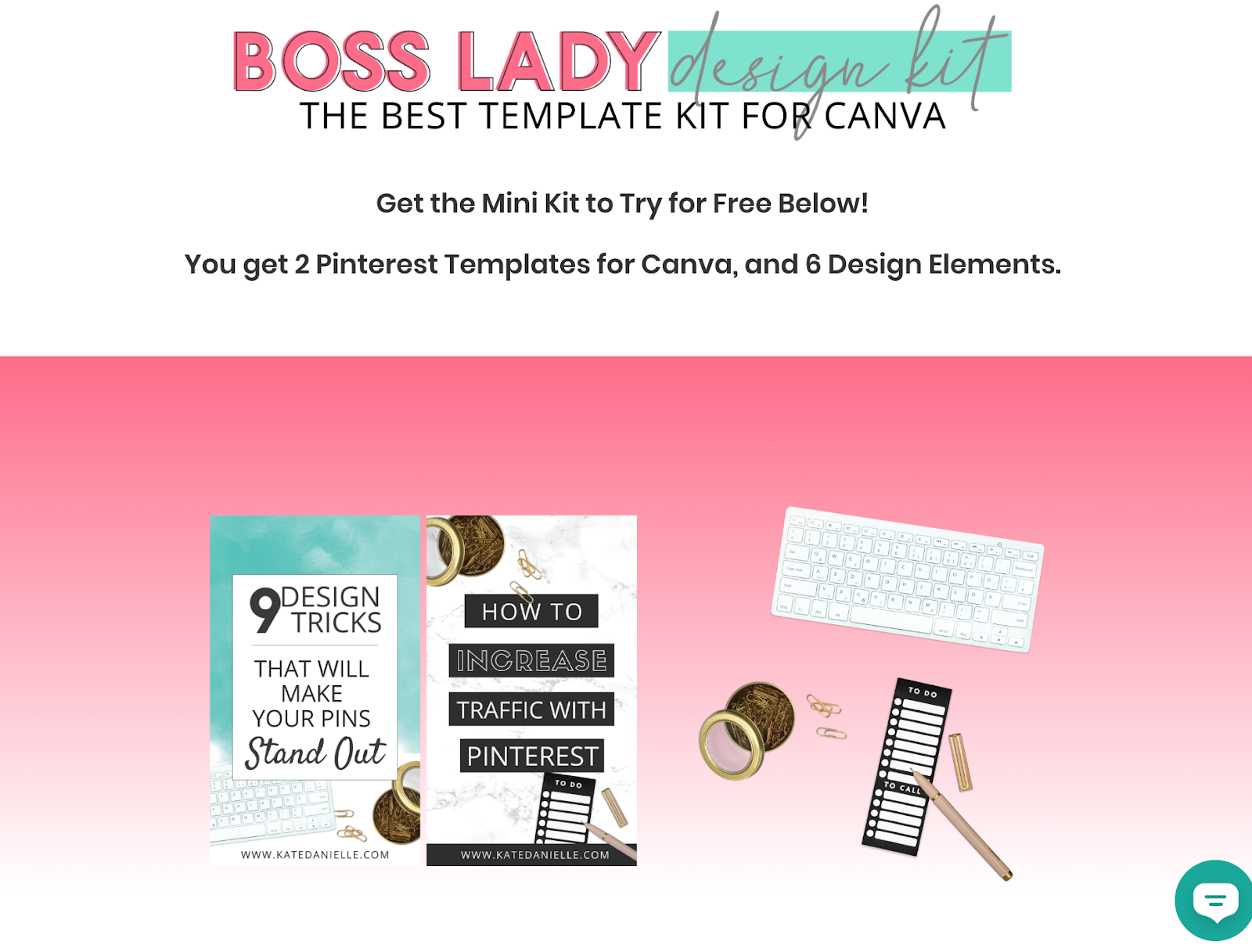
If you want to learn more about Canva I highly recommend Learn Canva: Design Tips for Boss LadiesOr Kate’s free mini kit
Adobe CC Photography Plan:
Same price as Canva’s Paid plan is Adobe’s Photography Plan. You get Lightroom and Photoshop, but it’s comes with a learning curve. If you’re the kind of person who likes to learn how to do it yourself. This is a great option, and I love helping anyone get their head around this software.
Pic Monkey:
Pic Monkey is another simple tool if you’re just getting started and want to keep things simple.
Want to see what New PicMonkey is all about? Sign-up for your free trial today!How to optimise your blog photos for social media?
Easily reference this social media image sizes list in our always up-to-date Google Doc for your reference or the online tool Landscape for a done for you approach.

User generated and curated images
You can always use other images if you have permission and credit them appropriately. If you missed my favourite how to find images for blog post legal guides, go back and check them out.
Pro tip: Embedding them from share links allows for the proper accreditation.


